
Management and monitoring overnight: Q+A with Raoul
What happens when a website goes down in the middle of the night? Raoul Martin from the Nublue support team explains how out-of-hours alerts work, what our on-call engineers can fix without waiting for sign-off, and how much 24/7 monitoring costs across our cloud, AWS and WordPress packages.
By Maddi Nuttall
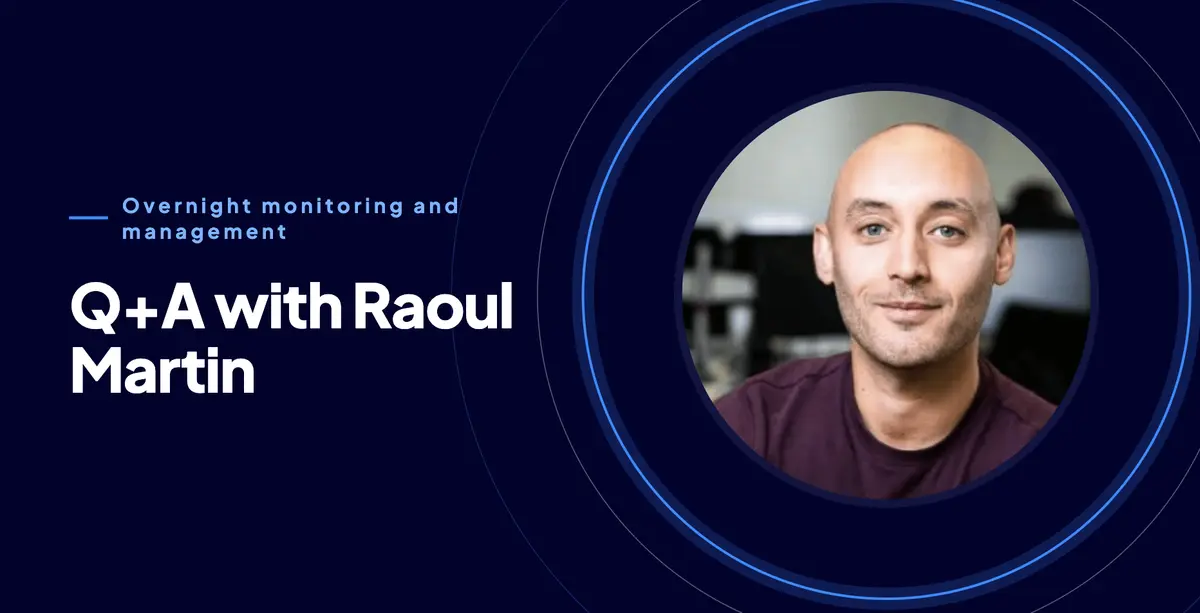
What happens when a website goes down at 3am? We sat down with Raoul Martin from the Nublue support team to find out how out-of-hours monitoring works, who responds, and what it costs.
When your monitoring detects a problem out of hours, what happens first?
Raoul: A problem has to trigger a few times before anyone is alerted. If a site drops for a single second, we don't get a text straight away. There's some built-in leeway so we're not chasing blips.
For Nublue, if a check fails three times within roughly a 10-minute window, the on-call engineer gets a text. They acknowledge it to confirm they're working on it, which stops the alerts repeating, and then they start investigating.
When an alert comes in, does the engineer already have context, or are they starting from scratch?
Raoul: You get a little bit. Each alert tells you the server, the time and what's failing, such as a domain check, disk space, server load or a service that's stopped.
Alerts move through three states:
1. Problem: something has gone wrong.
2. Acknowledgement: an engineer has picked it up.
3. Recovery: everything is back within normal limits.
The alert points us at the right place, but it doesn't tell the whole story or what caused it. From there, the engineer digs in.
On a fully managed server, we check things like whether the website is up, the SSL certificate, MySQL, Redis, email sending, server load and disk space.
Do clients get updates on what's happening behind the scenes?
Raoul: It depends on the situation, and it's done manually. If we get an alert at 3am and there's something the client needs to do, we'll tell them the next morning rather than message them in the middle of the night.
Nublue engineers have the authority to act without waiting for sign-off. Say a server has run out of disk space: nothing can load. We might remove an old, large file or backup to free up space, because we keep backups on our side. Then we explain what we did, and why, the next morning.
If a spike in traffic takes a site down, a quick restart might be all it needs. Ideally, we tell the client what happened, what we did and what needs to happen next. The on-call engineer can also pass it to the support team to follow up during the day.
Is there an extra cost for out-of-hours support?
Raoul: It depends on your package. We have five management options across two package types.
Cloud and AWS server packages:
• Standard managed (£0): We monitor that the server is up and has disk space. Originally only on our smaller-spec AWS servers.
• 24/7 Monitoring & Management (£48/month): Round-the-clock monitoring of multiple services and your domain name, with an on-call engineer.
WordPress hosting packages:
• Self-managed (£0): Full root access. We keep the hardware and network running and apply automatic OS security patches. Your team handles configuration, updates and troubleshooting.
• Managed (£45/month): Server monitoring in office hours, plus uptime checks on one primary domain: the frontend, WordPress admin and checkout. Supervised OS patching, daytime help with server-side issues and discounted engineering work.
• Fully managed (£90/month): 24/7 server and website monitoring, with an on-call engineer for genuine out-of-hours emergencies. Proactive OS patching and larger discounts on ad-hoc engineering.
Storage and bandwidth are cheaper on the WordPress packages, so most of the cost comes from the management level you choose.
On the self-managed tier, we only find out about a problem when you tell us. If your site goes down at 5:01pm on a Friday, we won't know until you get in touch.
We also still look after some legacy shared servers, which we stopped selling several years ago. We manage the server itself, but because several customers share it, we don't monitor individual setups.
The bottom line
If your site needs to stay up around the clock, 24/7 monitoring means an engineer is alerted and working on it, often before you've noticed. If office hours are enough, or you'd rather manage things yourself, there's a cheaper option for that too.
Not sure which level suits you? Get in touch with the Nublue team and we'll talk you through it.